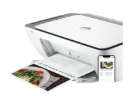
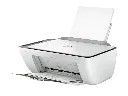
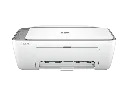
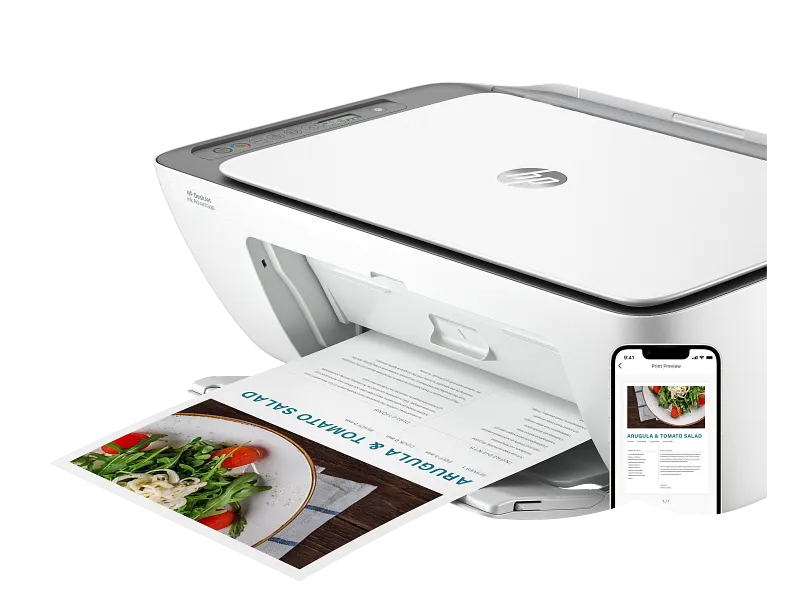
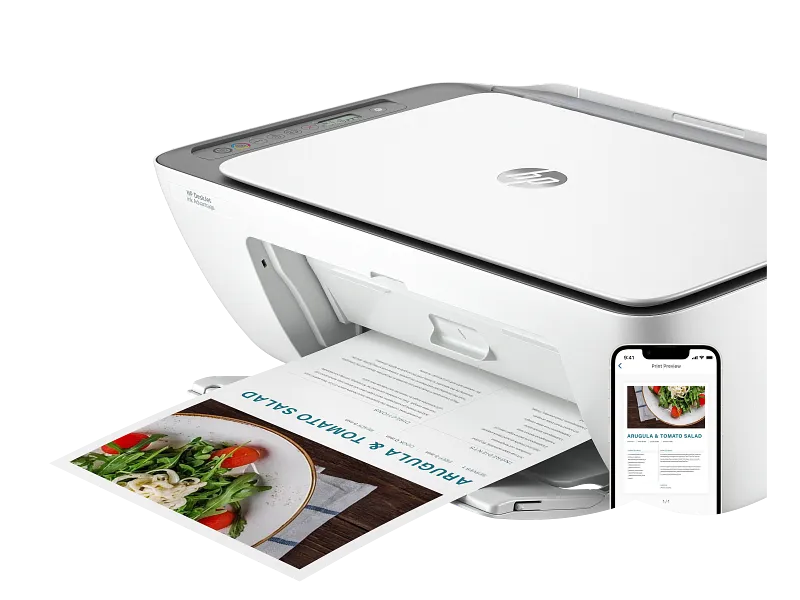
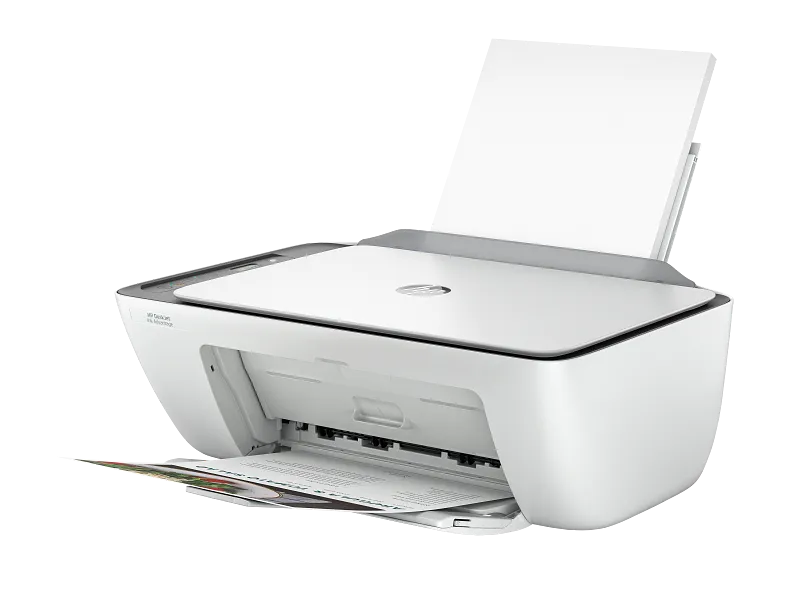
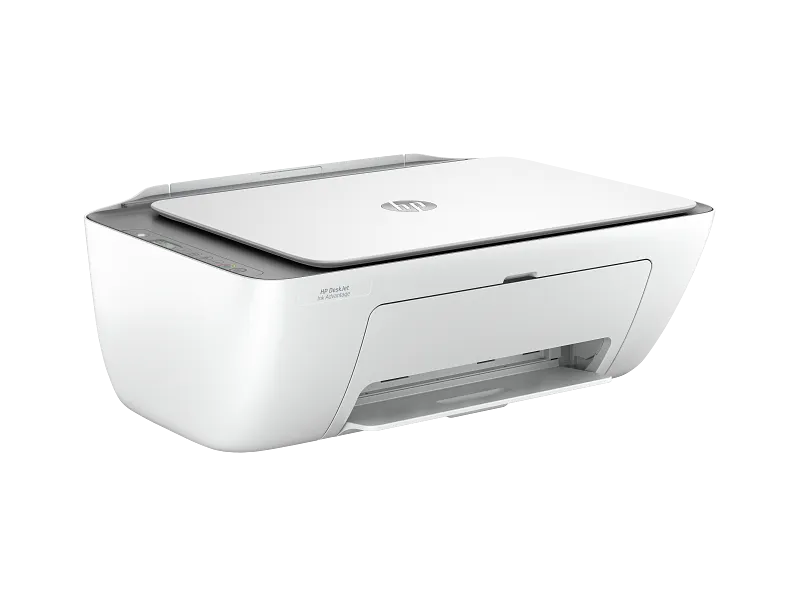
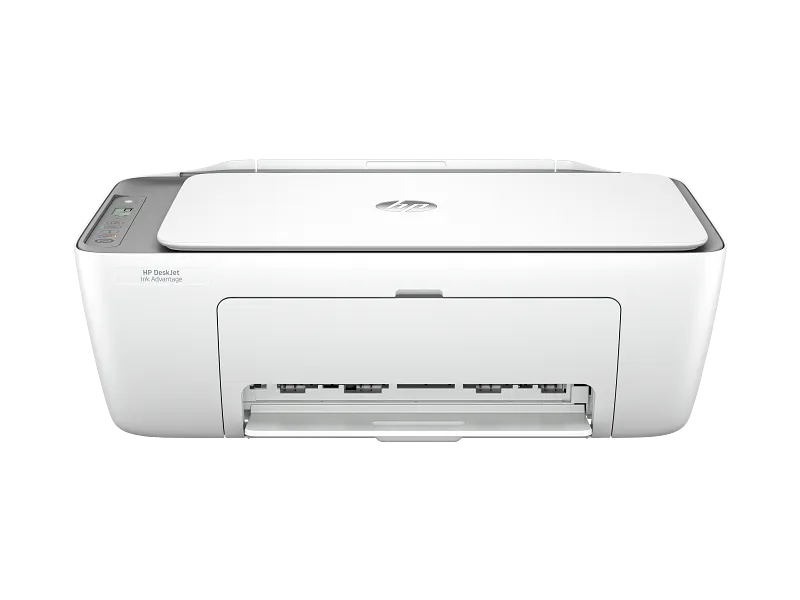
Description for HP DeskJet Ink Advantage 2876 All-in-One Printer, Up To 7.5 PPM (Black) & 5.5 PPM (Color) Print Speed, Up To 1200x1200 Print Resolution, 60 Sheet Input Tray, Built-in WiFi, Cement | 6W7E6C
DeskJet Ink Advantage 2876 All-in-One Printer
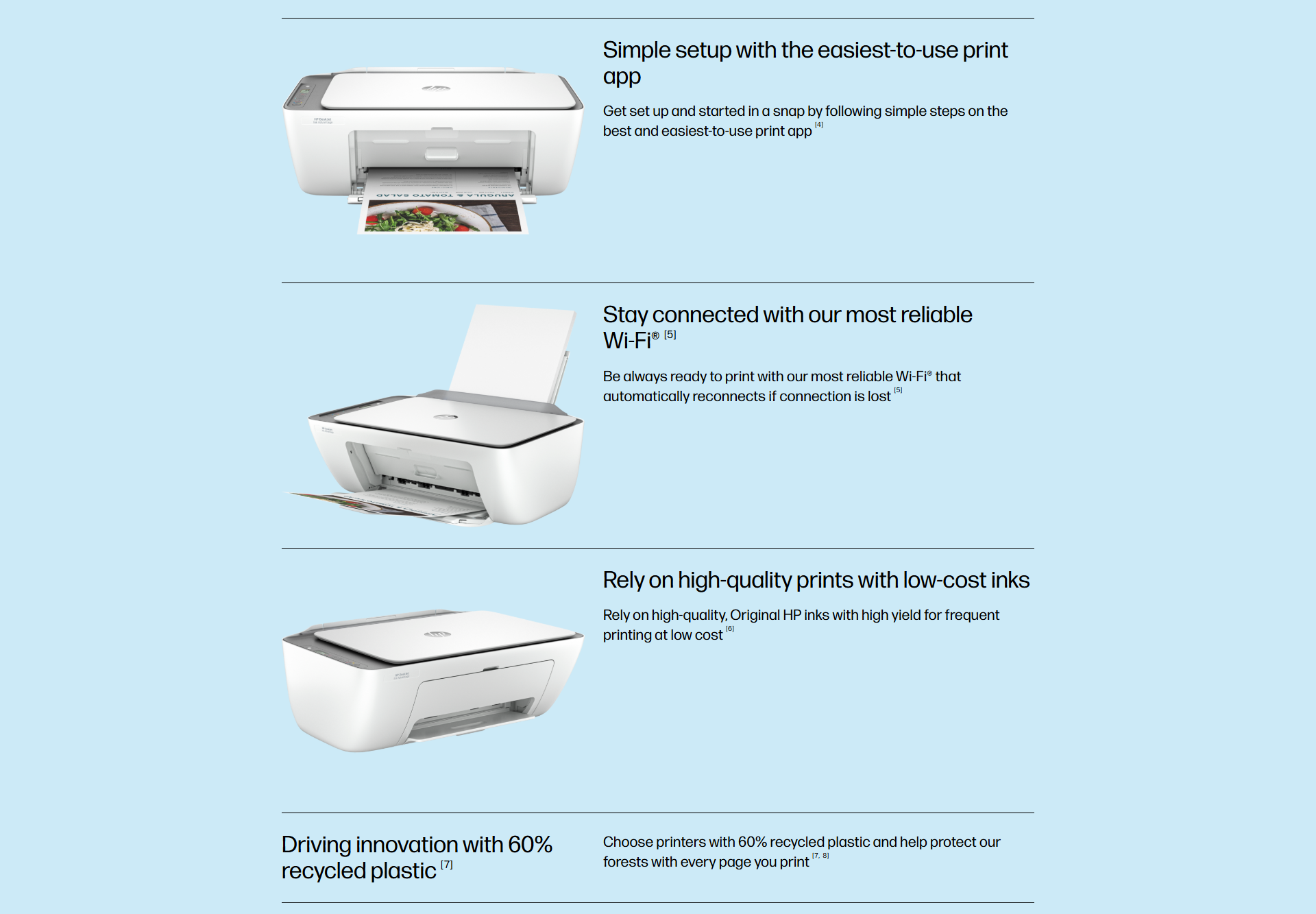
Effortlessly print/scan/copy with this compact, wireless printer with optional high-yield cartridges, paired with the easiest-to-use print app. From return labels to recipes, enjoy a seamless experience from the World’s #1 Printer Company
SPECIFICATIONS
| Functions | Print, copy, scan |
| Print Speed Black (ISO) | Up to 7.5 ppm 1 |
| Print Speed Black (Draft, A4) | Up to 20 ppm 1 |
| Print Speed Color (ISO) | Up to 5.5 ppm 1 |
| Print Speed Color (Draft, A4) | Up to 16 ppm 1 |
| First Page Out Black (A4, Ready) | As fast as 13 sec 2 |
| First Page Out Color (A4, Ready) | As fast as 16 sec 2 |
| Duplex Printing | Manual (driver support provided) |
| Duty Cycle (Monthly, Letter) | Up to 1,000 pages |
| Duty Cycle (Monthly, A4) | Up to 1,000 pages |
| Recommended Monthly Page Volume | 50 to 100 |
| Print Quality Black (Best) | Up to 1200 x 1200 rendered dpi |
| Print Quality Color (Best) | Up to 4800 x 1200 optimized dpi (when printing from a computer on selected HP photo papers and 1200 input dpi) |
| Print Languages | HP PCL 3 GUI; HP PCLm (HP Apps/UPD); URF (AirPrint) |
| Print Technology | HP Thermal Inkjet |
| Connectivity, Standard | 1 Wi-Fi 802.11b/g/n; 1 Hi-Speed USB 2.0 (device) |
| Mobile Printing Capability | HP app; Apple AirPrint; Chrome OS 3 |
| Network Capabilities | Built-in WiFi 802.11b/g/n, 2.4 GHz single-band only |
| Wireless Technologies | 802.11b/g/n |
| Minimum System Requirements for Macintosh | macOS V10.14 Mojave, macOS 10.15 Catalina, macOS 11 Big Sur, macOS 12 Monterey, macOS 13 Ventura; 2 GB HD; Internet required |
| Minimum System Requirements | Windows 10, 11: 1 GHz 32-bit (x86) or 64-bit (x64) processor, 2 GB available hard disk space, Internet connection, Internet Explorer |
| Digital Sending Standard Features | No |
| Display | Icon LCD display |
| Processor Speed | 1.0 GHz |
| Maximum Memory | 64 MB DDR1, 24 MB Flash |
| Memory | 64 MB DDR1 |
| Internal Storage | No |
| Compatible Operating Systems | Windows 11; Windows 10; macOS 10.14 Mojave; macOS 10.15 Catalina; macOS 11 Big Sur; macOS 12 Monterey; macOS 13 Ventura; Chrome OS; macOS 14 Sonoma |
| Paper Handling Input, Standard | 60-sheet input tray |
| Paper Handling Output, Standard | 25-sheet output tray |
| Finished Output Handling | Sheetfed |
| Media Types | Plain paper, Photo paper, Brochure paper, envelopes, and other specialty inkjet paper |
| Media Sizes Supported | A4; B5; A6; DL envelope |
| Media Sizes, Custom | 76 x 127 to 215 x 355 mm |
| Borderless Printing | No |
| Media Weight, Recommended | 75 g/m² |
| Scanner Type | Flatbed |
| Scan File Format | JPEG, TIFF, PDF, BMP, PNG |
| Scan Resolution, Optical | Up to 1200 dpi |
| Scan Size, Maximum | 216 x 297 mm |
| Automatic Document Feeder Capacity | No |
| Scan Technology | Contact Image Sensor (CIS) |
| Copy Resolution (Black Text) | Up to 300 x 300 dpi |
| Copy Resolution (Color Text and Graphics) | Up to 300 x 300 dpi |
| Copy Resolution (Black Graphics) | Up to 300 x 300 dpi |
| Copies, Maximum | Up to 9 copies |
| Copier Settings | Auto-enlarge |
| Faxing | No |
| Power Consumption | 2.8 W (ready), 1.53 W (sleep), 0.3 W (auto-off), 0.3 W (off). |
| Power | Input voltage: 100 to 240 VAC (+/- 10%), 50/60 Hz (+/- 3 Hz), 350 mA. India input voltage: 200 to 240 VAC (+/- 10%), 50/60 Hz (+/- 3 Hz), 350 mA. |
| Operating Humidity Range | 15 to 80% RH (non-condensing) |
| Recommended Operating Humidity Range | 20 to 80% RH (non-condensing) |
| Non-Operating Humidity Range | 5 to 90% RH (non-condensing) |
| Operating Temperature Range | 5 to 40°C |
| Operating Temperature Range | 59 to 86°F |
| Safety | IEC 60950-1:2005 +A1:2009 +A2:2013, IEC 62368-1:2014, IEC 62368-1:2018, EN IEC 62368-1:2020 +A11:2020, EN 62311:2008, EN 50663:2017, EN 50665:2017 |
| Dimensions (W x D x H) | 425 x 304 x 154 mm (Dimensions vary as per configuration) |
| Maximum Dimensions (W x D x H) | 425 x 546 x 250 mm (Output Extension fully out) (Dimensions vary as per configuration) |
| Weight | 3.42 kg (Weight varies as per configuration) |
| Product Color | Cement |
| Print Cartridges/Bottle, Number | 2 (1 each black, tri-color) |
Reviews for HP DeskJet Ink Advantage 2876 All-in-One Printer