
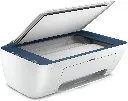
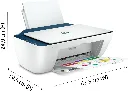
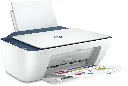
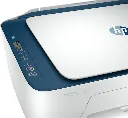
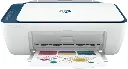
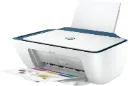
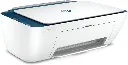

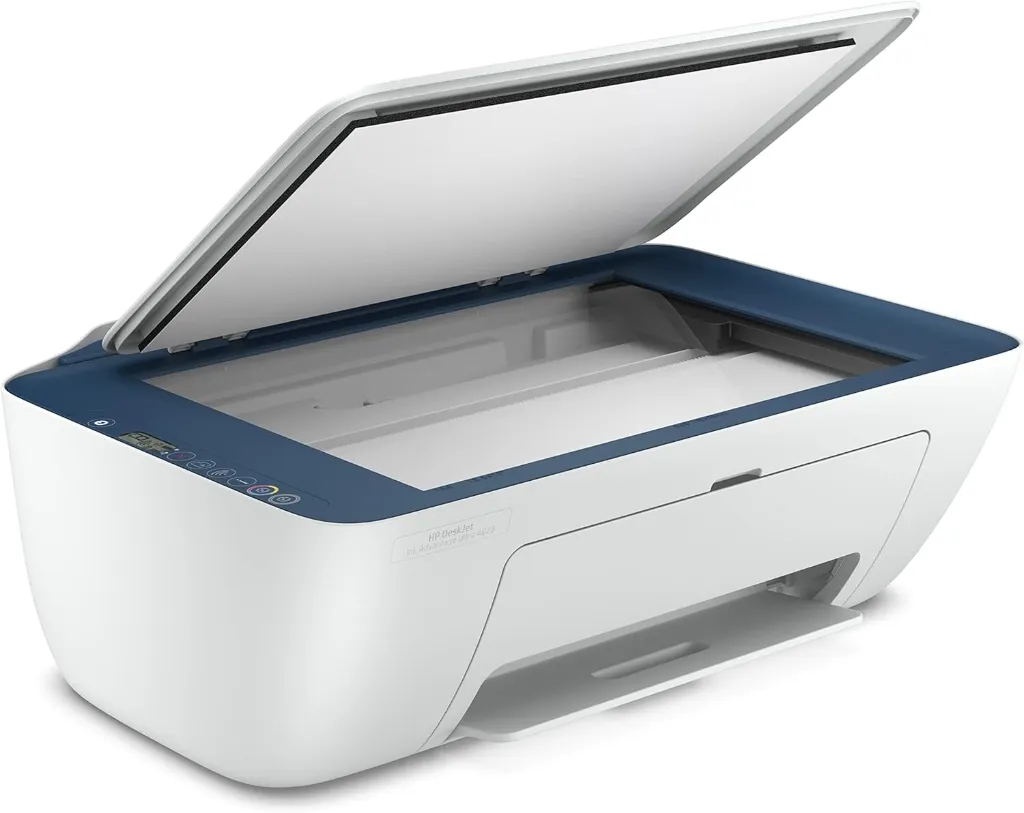
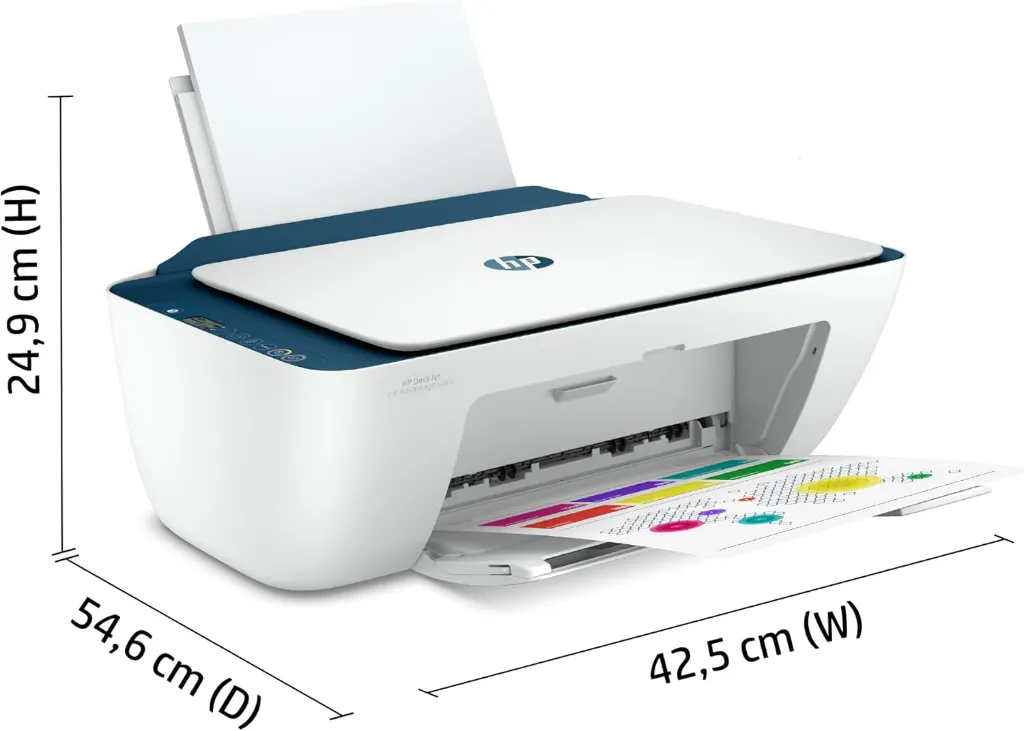
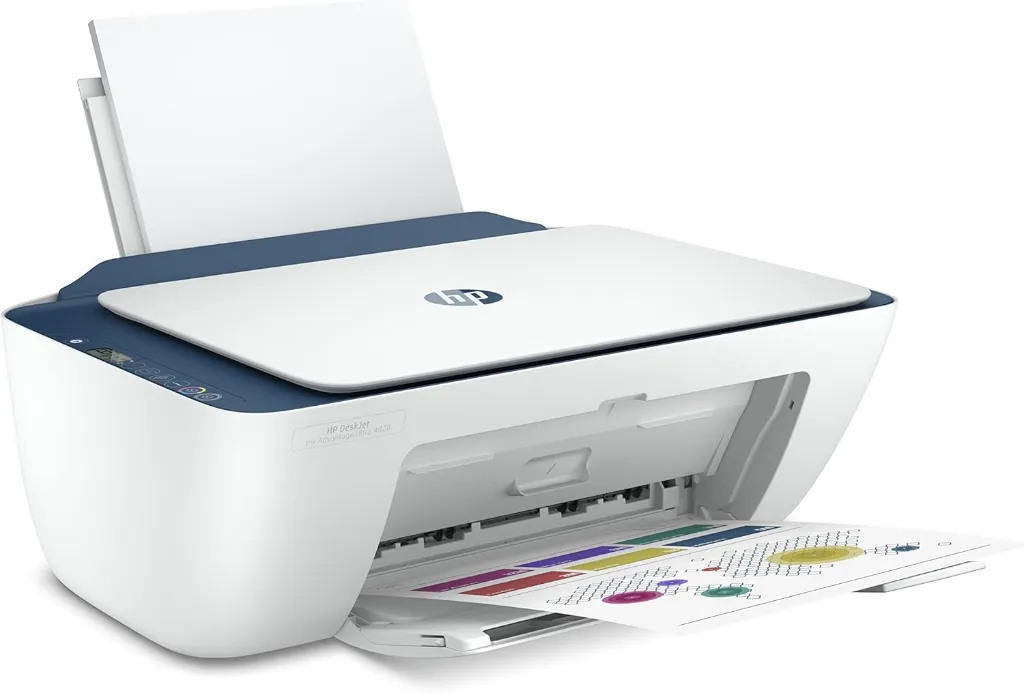
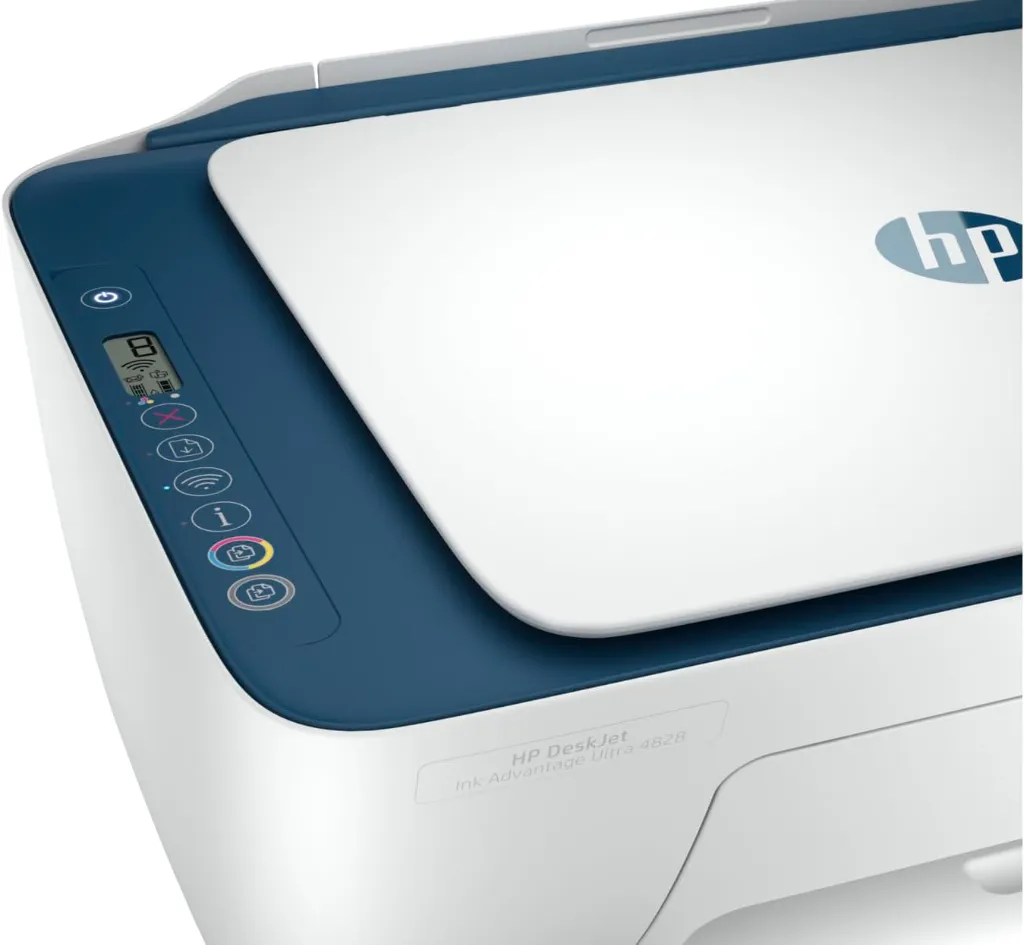
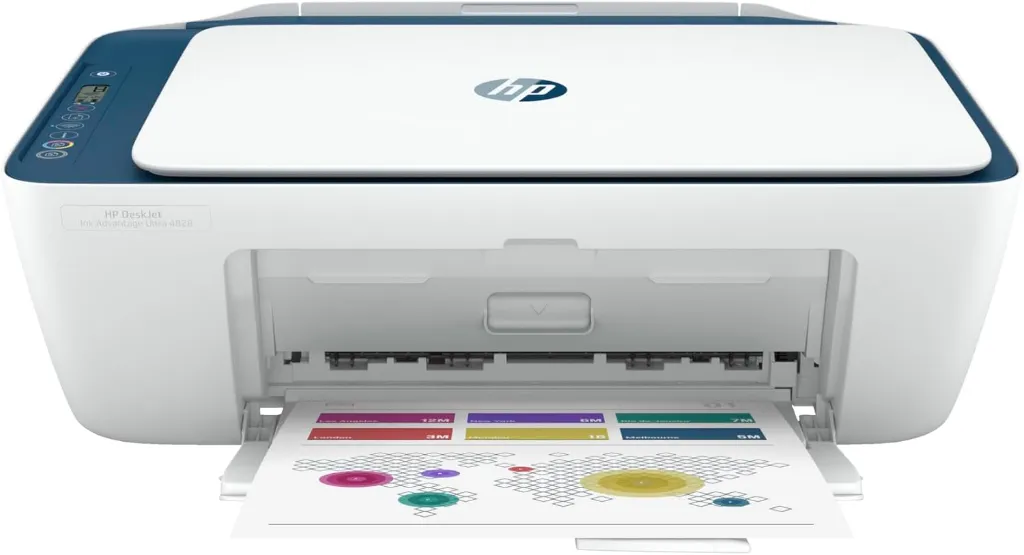
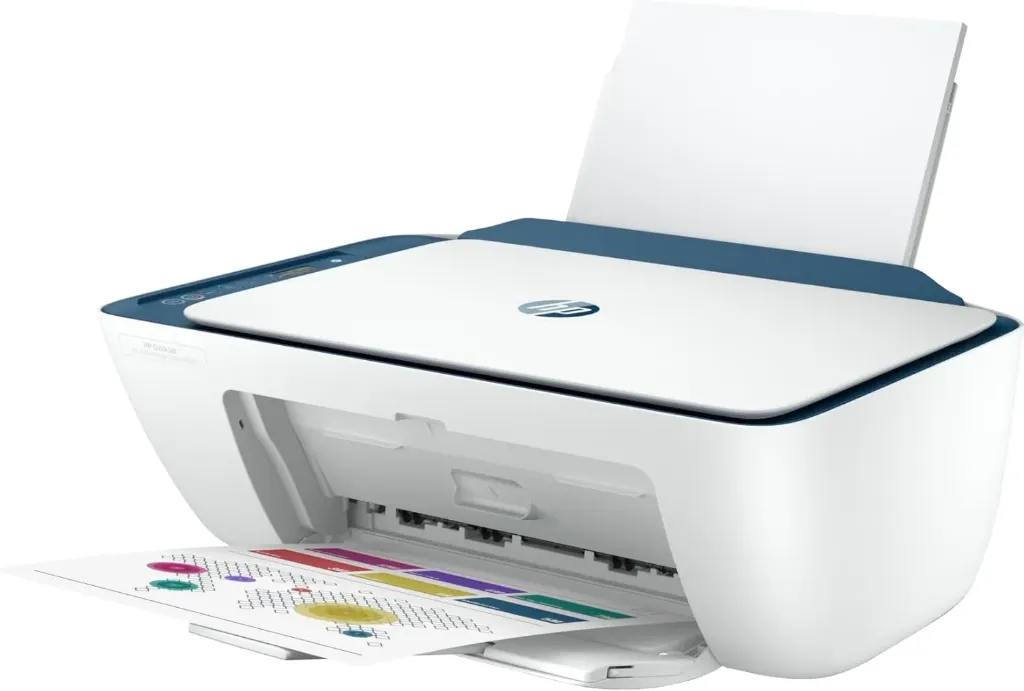
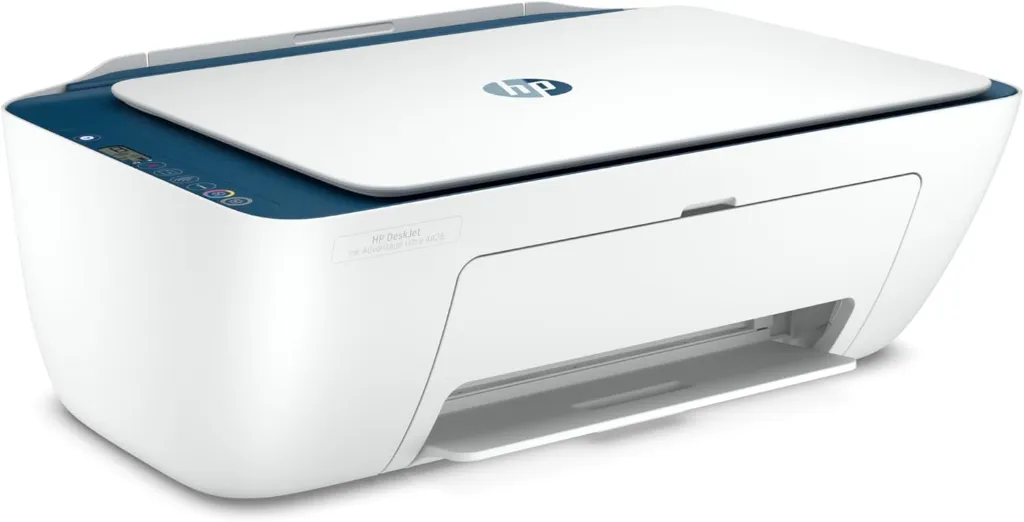
Description for HP DeskJet Ink Advantage Ultra 4828 All-in-One Printer (25R76A)
The HP DeskJet Ink Advantage Ultra 4828 is a compact all-in-one printer designed for everyday home and small office use. It supports printing, scanning, and copying with reliable wireless connectivity for convenient operation from multiple devices. Easy setup through the HP Smart app allows quick installation and smooth control, while ultra-low cost ink cartridges help reduce printing expenses. Ideal for documents, assignments, and routine printing tasks.
The HP DeskJet Ink Advantage Ultra 4828 is a compact all-in-one printer designed for everyday home and small office use.
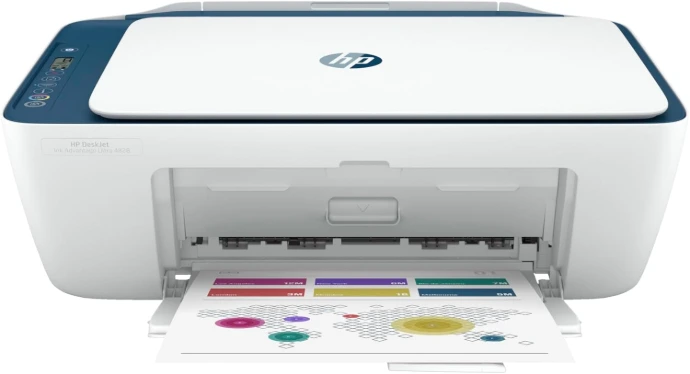
Simple setup and easy printing.
Set up the printer quickly using your smartphone in just a few steps, then print from any device with the HP Smart app. Enjoy smooth print, scan, and copy performance designed for everyday use.
Text
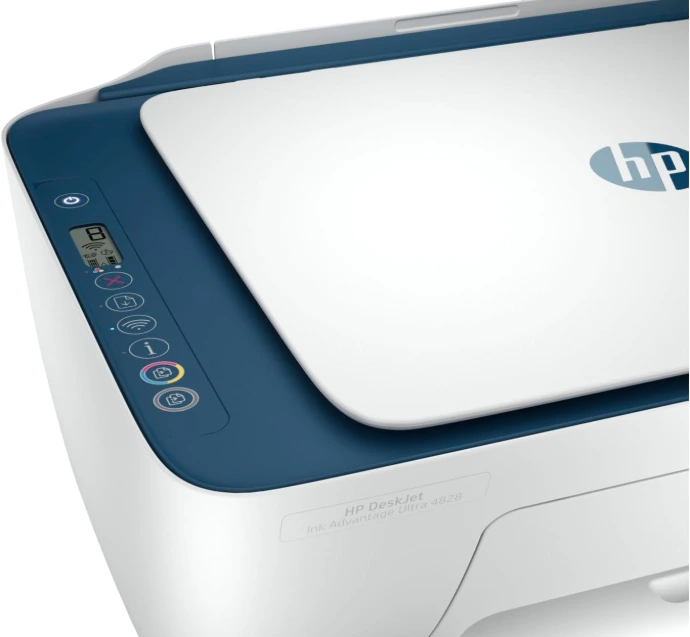
Worry-free wireless
To add a fourth column, reduce the size of these three columns using the right icon of each block. Then, duplicate one of the columns to create a new one as a copy.
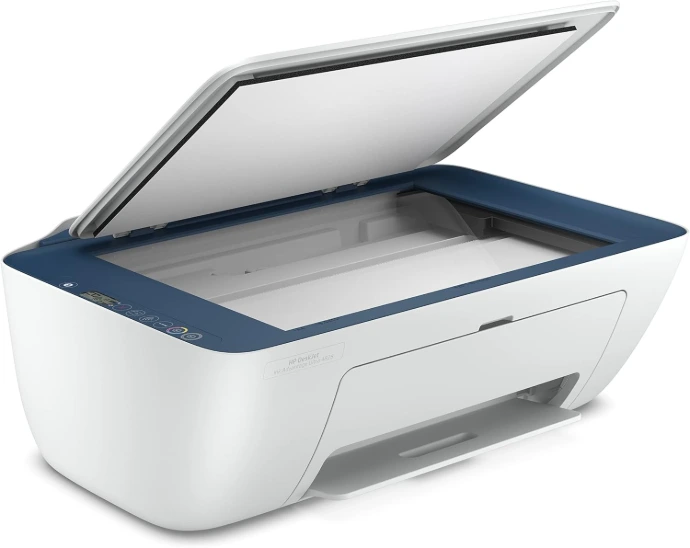
Simple setup and easy printing.
Set up the printer quickly using your smartphone in just a few steps, then print from any device with the HP Smart app. Enjoy smooth print, scan, and copy performance designed for everyday use.
Specifications
Functions |
|
|---|---|
Print speed black (ISO) |
|
Print speed black (draft, A4) |
|
Print speed black (ISO, A4) |
|
Print speed color (ISO) |
|
Print speed color (draft, A4) |
|
Print Speed Color (ISO) |
|
First page out black (A4, ready) |
|
First page out color (A4, ready) |
|
Duplex printing |
|
Duty cycle (monthly, letter) |
|
Duty cycle (monthly, A4) |
|
Recommended monthly page volume |
|
Print quality black (best) |
|
Print quality color (best) |
|
Print languages |
|
Print technology |
|
Connectivity, standard |
|
Mobile printing capability |
|
Network capabilities |
|
Wireless capability |
|
Wireless technologies |
|
Minimum System Requirements for Macintosh |
|
Minimum System Requirements |
|
Digital sending standard features |
|
Display |
|
Processor speed |
|
Maximum Memory |
|
Memory |
|
Memory card compatibility |
|
Internal Storage |
|
Compatible Operating Systems |
|
Paper handling input, standard |
|
Paper handling output, standard |
|
Paper handling input, optional |
|
Paper handling output, optional |
|
Finished output handling |
|
Media types |
|
Media sizes supported |
|
Borderless printing |
|
Media weight, recommended |
|
Scanner type |
|
Scan file format |
|
Scan resolution, optical |
|
Scan size, maximum |
|
Scan speed duplex (normal, A4) |
|
Scan speed duplex (normal, letter) |
|
Scan speed (normal, letter) |
|
Scan technology |
|
Copy speed black (ISO) |
|
Copy speed color (ISO) |
|
Copy resolution (black text) |
|
Copy resolution (color text and graphics) |
|
Copy resolution (black graphics) |
|
Copies, maximum |
|
Copy reduce / enlarge settings |
|
Copier settings |
|
Power consumption |
|
Power |
|
Operating humidity range |
|
Recommended operating humidity range |
|
Non-Operating Humidity Range |
|
Operating temperature range |
|
Operating temperature range |
|
Typical electricity consumption (TEC) number |
|
Ecolabels |
|
Energy star certified |
|
Safety |
|
Minimum dimensions (W x D x H) |
|
Maximum dimensions (W x D x H) |
|
Weight |
|
Product color |
|
What's in the box |
|
Number of print cartridges |
|
Reviews for HP DeskJet Ink Advantage 2876 All-in-One Printer